Duo Mobile (2-Factor Authentication)
Overview
On the next day after your Passport York account is activated (or re-activated if you are a returning student), you will be prompted to enrol in 2-Factor Authentication (2FA) using the Duo Mobile app (iOS, Android), or a compatible Passkey.
Activate 2-Factor Authentication
- Browse to https://mms.yorku.ca (Passport York - Manage My Services)
- Sign in with your Passport York username and password
- You will be required to enrol in 2-factor authentication (if it is pending)
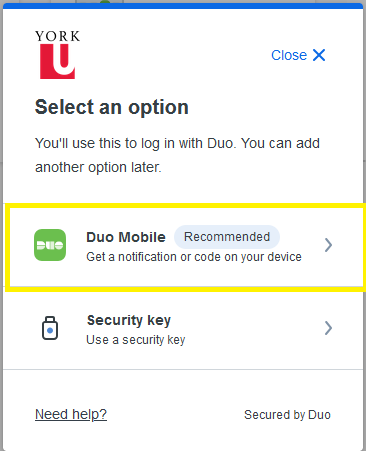
- Select Duo Mobile to download and activate the Duo Mobile app on your phone
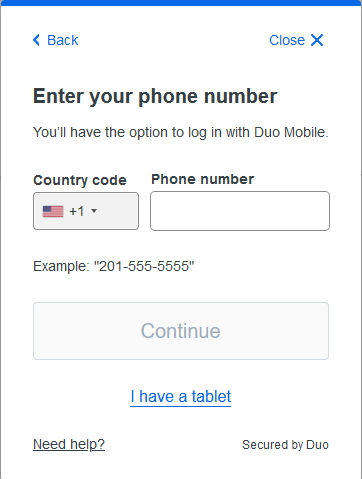
- Select your Country Code and enter your Phone Number
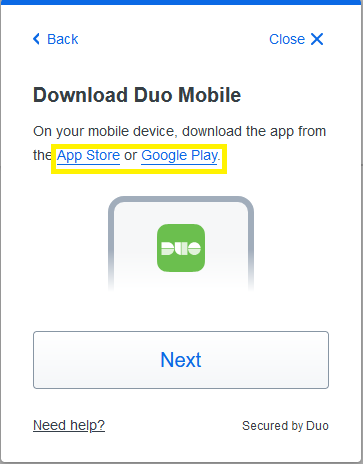
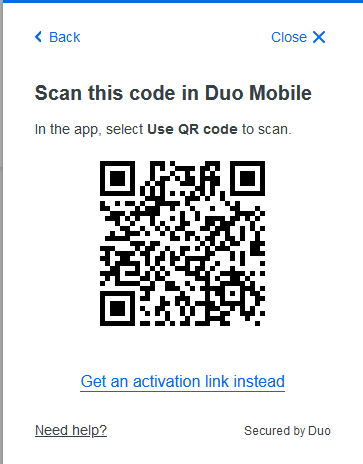
7a. Select Use QR Code within the Duo Mobile App and scan the QR code shown on screen.
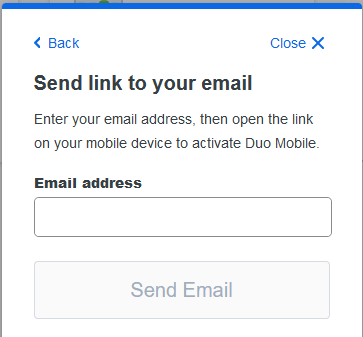
7b. Alternately, select Get an activation link instead and enter your Email Address to receive the activation link by email.
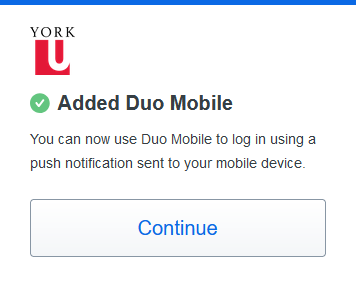
- Once you have activated the Duo Mobile App, you will be able to approve any future Passport York logins on your phone.